My Samsung Monitor Has No Sound: Here’s How I Fixed It
When a Samsung monitor has no sound, it’s usually because the PC is sending audio to a different device, the cable doesn’t carry audio, or the monitor doesn’t have speakers …
When a Samsung monitor has no sound, it’s usually because the PC is sending audio to a different device, the cable doesn’t carry audio, or the monitor doesn’t have speakers …
A Samsung monitor that shows a black screen and won’t even open its menu is more worrying than a simple no-signal message, but it’s often still fixable with a reset …
A Samsung monitor that won’t turn on usually has a power supply, cable or standby problem. The power light’s behavior is the best clue to where the fault lies. This …
A blinking blue light on a Samsung monitor usually means it’s in power-saving mode because it isn’t receiving a signal. In some cases it can point to a hardware fault. …
A second monitor that keeps going black for a second or two is usually losing its signal briefly. Cables, power-saving settings and graphics drivers are the most common causes. This …
A monitor that turns off when you start a game usually points to a power, heat or GPU problem, not a monitor fault. Games push your system harder, and that …
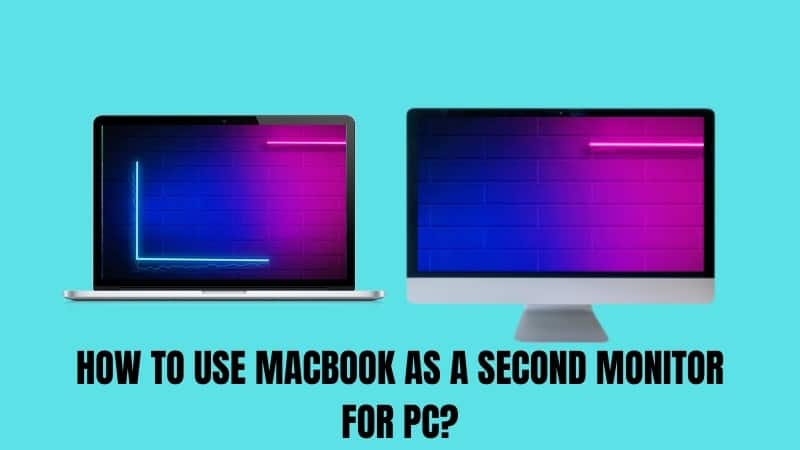
You can use a MacBook as a second monitor for a PC, but not by plugging in an HDMI cable. MacBook ports don’t accept video input, so you need software …
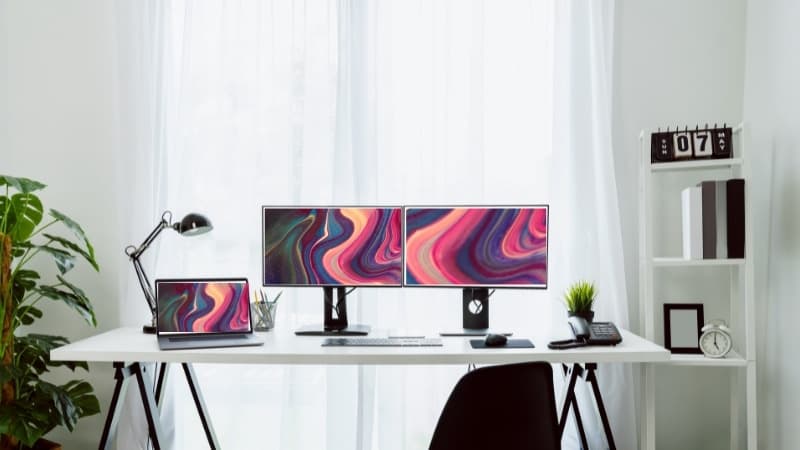
Most laptops only have one HDMI port, but you can still run two external monitors. The answer is usually a USB-C or Thunderbolt port, a docking station or a display …
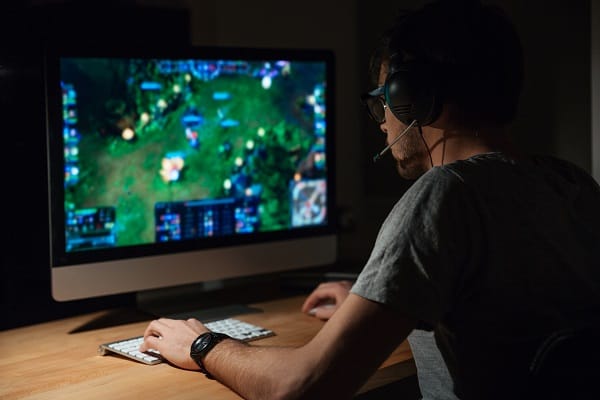
The best monitor size for gaming depends on your desk, how far you sit and what you play. Bigger isn’t always better, especially in fast competitive games. Below I break …
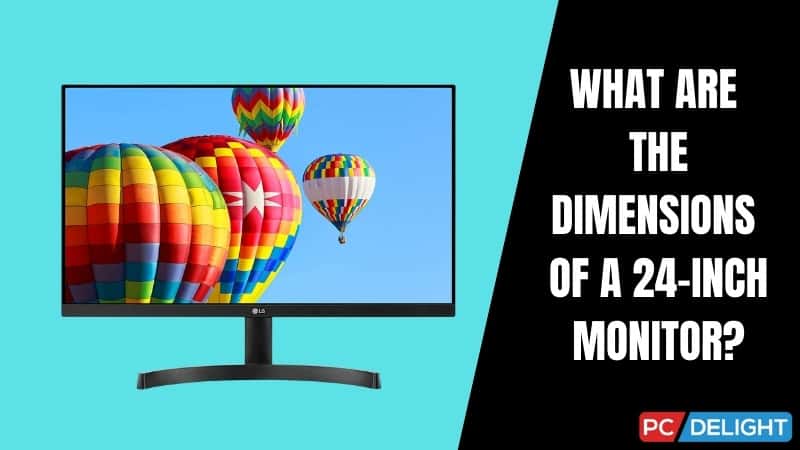
A 24-inch monitor is about 53cm wide and 30cm tall (roughly 21 by 12 inches) for the screen itself. The outer dimensions depend on the bezels and stand. Below I …
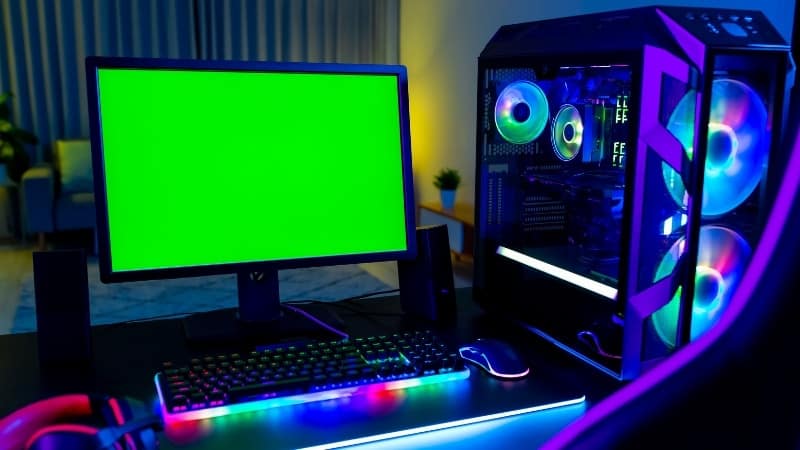
Some monitors have built-in speakers, but many don’t, especially gaming and budget models. Even when they do, the speakers are usually basic. Below I explain how to check whether your …
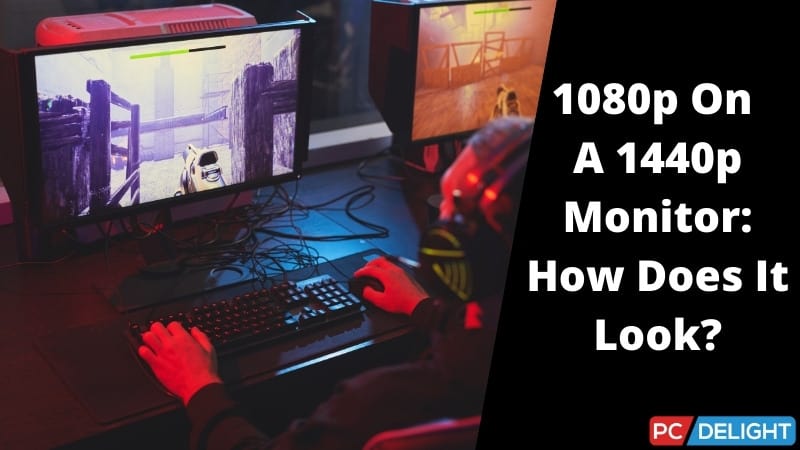
Running 1080p on a 1440p monitor works, but the image won’t look as sharp as native resolution because the monitor has to scale it up. This guide explains why that …
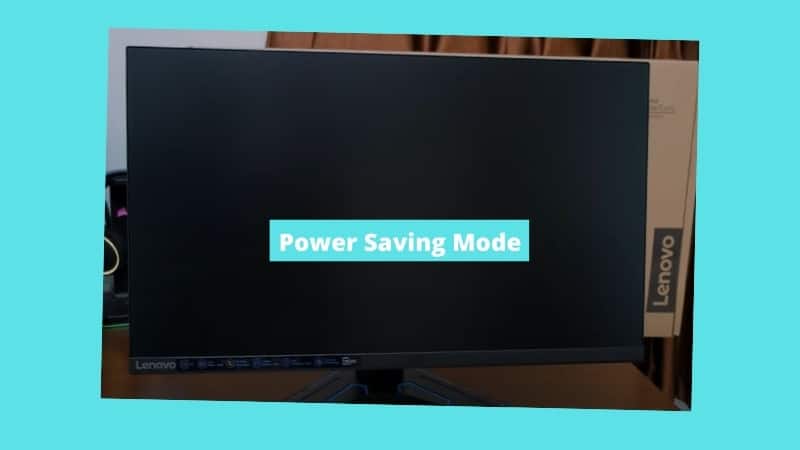
A Lenovo monitor stuck in power saving mode is usually waiting for a signal it isn’t getting, so the fix is on the signal side: the input, the cable or …
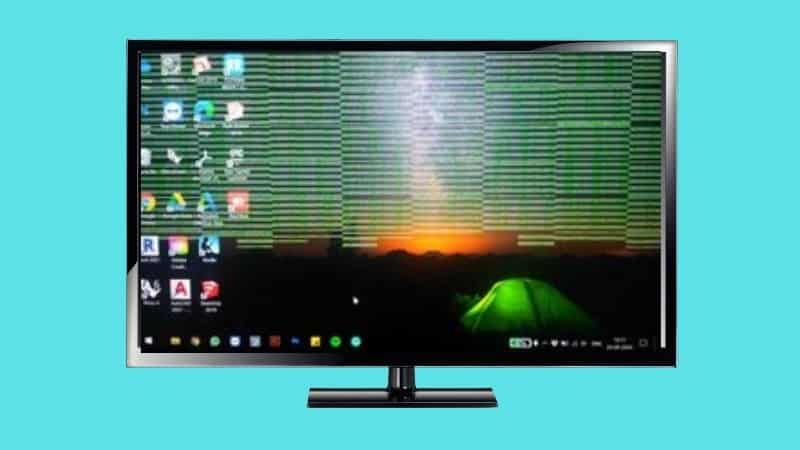
Green lines on a monitor can come from a cable problem, a graphics driver issue or a failing panel. The pattern and when they appear help you narrow it down. …
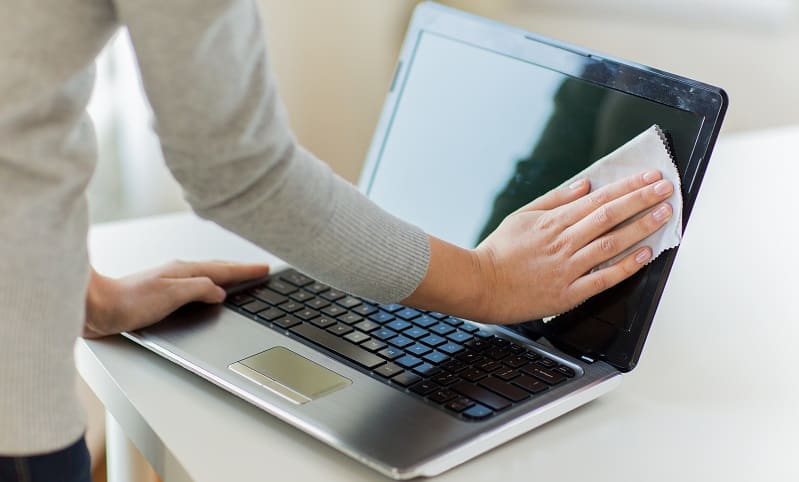
Monitor screens streak easily because most cleaners leave residue and paper towels drag dust across the coating. The right cloth and technique solve both problems. Below I explain what to …
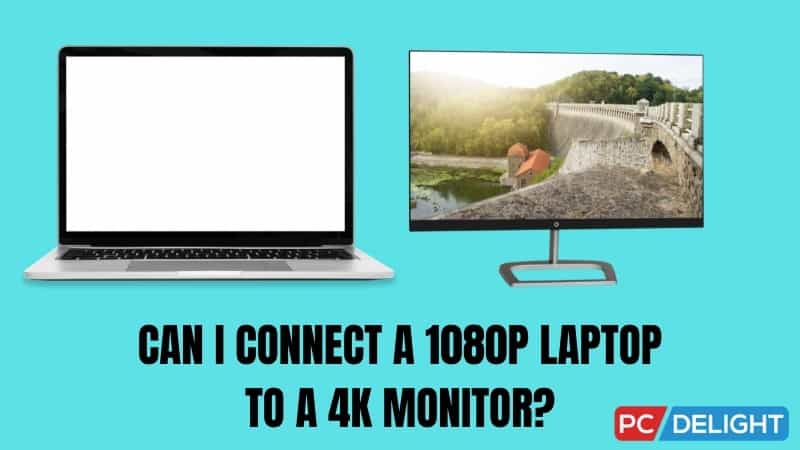
Yes, you can connect a 1080p laptop to a 4K monitor, but the result depends on your laptop’s ports and graphics. Some can output full 4K, and others are limited …
The difference between a gaming monitor and a regular monitor comes down mainly to refresh rate, response time and adaptive sync. Those features make games feel smoother and more responsive. …
Most computer monitors weigh between 3 and 10kg (about 7 to 22lbs), depending on size, stand and build. Larger and curved models are heavier. This guide gives typical weights by …
Gaming monitor prices range from budget 1080p models to premium OLED screens that cost as much as a graphics card. Refresh rate, resolution and panel type drive most of the …
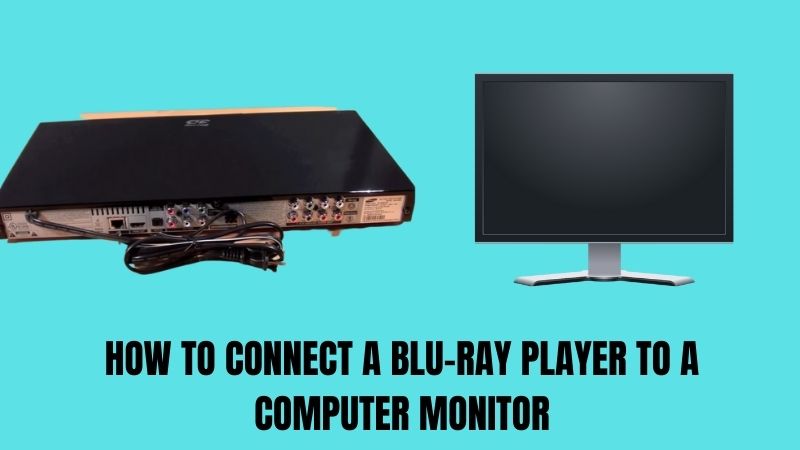
You can connect a Blu-ray player to a computer monitor as long as the monitor has an HDMI input. Most modern ones do, so the setup is usually simple. This …
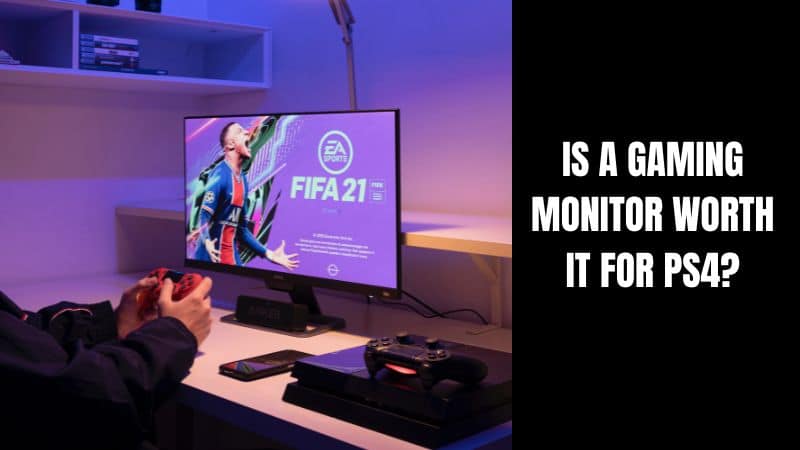
A gaming monitor can be worth it for PS4, but the console’s limits matter. The PS4 outputs at 60Hz, so high-refresh features won’t help, while low input lag and good …
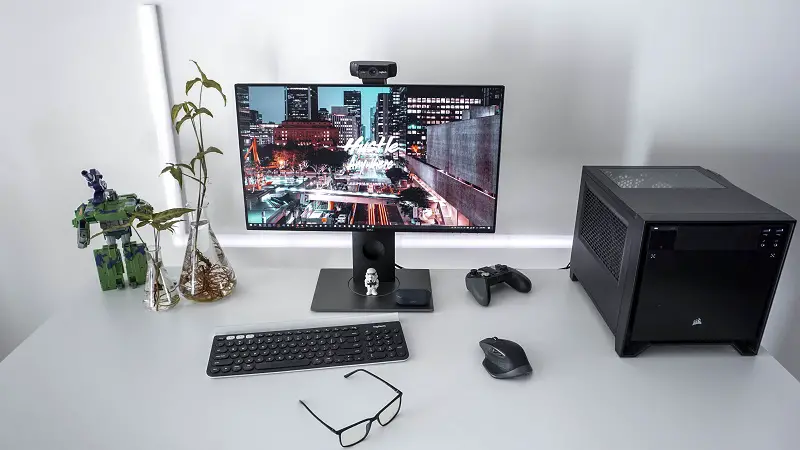
It’s safe to unplug a monitor while the computer is on. Video connections like HDMI and DisplayPort are designed to be hot-swapped, and the PC will simply detect that the …
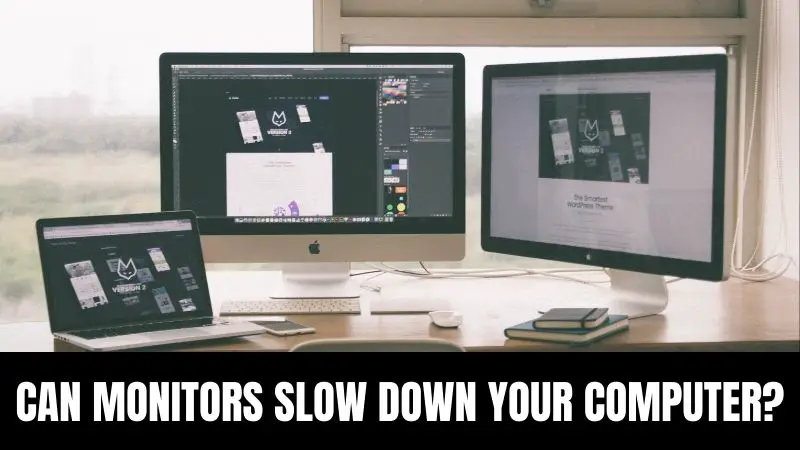
A monitor can’t slow your computer down by itself, but a high resolution or refresh rate makes your graphics card work harder. That can lower performance in games. This guide …
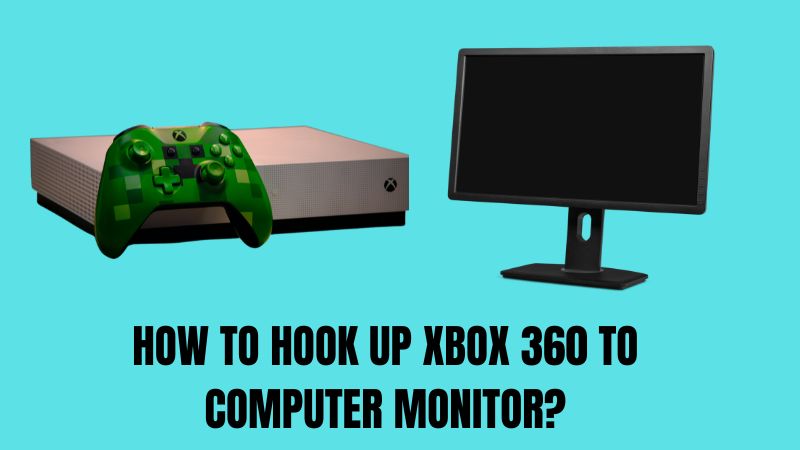
You can hook an Xbox 360 up to a computer monitor with HDMI, or with VGA on older monitors using the Xbox 360’s VGA cable. Audio is the main thing …