Smarter tech choices for gamers & PC users
Clear buying guides, honest comparisons and step-by-step fixes for monitors, gaming chairs, mice, keyboards and everything on your desk.

Latest guides
-
HDMI Monitor Not Detected: Top Solutions to Fix the Issue
Your monitor says “No signal” even though the HDMI cable is plugged in at both ends. Nine times out of ten the cause is something simple: a cable that isn’t fully seated,…


Browse by topic
Jump straight to the gear you care about.
Troubleshooting & fixes
Step-by-step solutions for common monitor and PC problems.
-
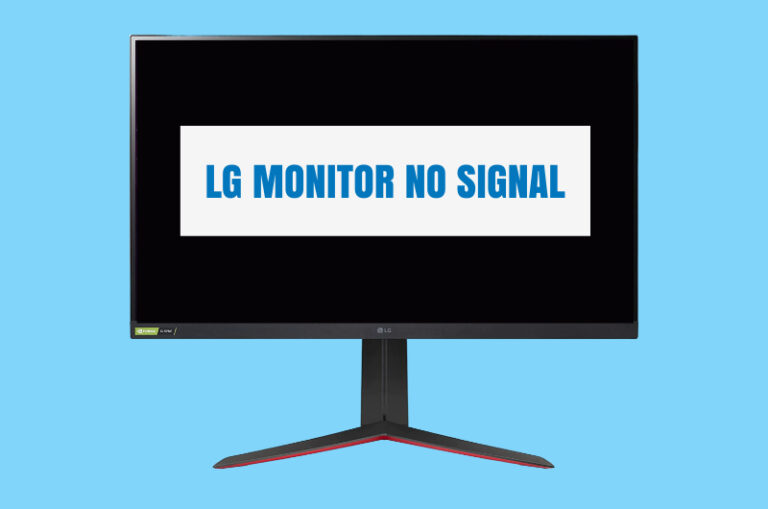
LG Monitor No Signal? Troubleshooting Guide
When my LG monitor showed “No Signal”, I assumed the worst, but it turned out to be a…
-
Why Does My LG Monitor Have No Sound – Things I Did to Fix It!
LG monitors with speakers can go quiet for several reasons: the wrong audio output selected on the PC,…
-
My LG Monitor is Flickering – What Are the Causes and Solutions?
Flickering on an LG monitor is usually caused by a loose cable, a refresh rate mismatch or a…
Gaming chair guides
Comfort, ergonomics, sizing and care.
-

The 7 Best Blue Gaming Chairs of 2026
A blue gaming chair is a style choice, but it still has to be comfortable for long sessions.…
-

Best Gaming Chair for Xbox One 2026: Top 8 Reviewed
Console gaming usually happens on the sofa or at a TV stand, not a desk, so a gaming…
-
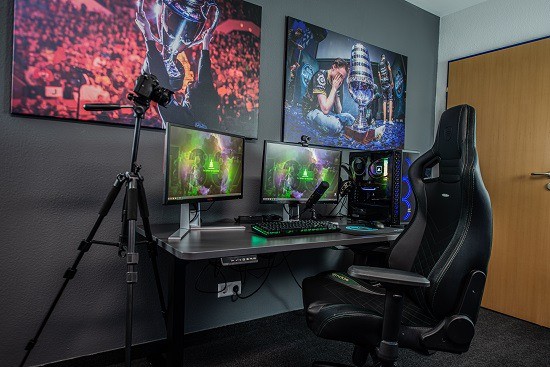
Best Gaming Chair for Neck Pain in 2026: Top 7 Reviewed
If gaming leaves you with a stiff neck, your chair is often part of the problem. A tall…
Monitor guides
Refresh rates, panels, resolution and setup.
-
Computer Monitor Not Displaying: Quick Fixes and Troubleshooting Tips
A computer monitor that powers on but shows nothing is one of the most common display problems, and…
-
Acer Monitor Not Turning on Blue Light: Quick Fixes and Solutions
An Acer monitor with a blue light but a black screen is powered on and waiting for a…
-
Second Monitor Not Working? Troubleshoot and Fix Today!
Your second monitor is plugged in, powered on and doing nothing. This usually comes down to Windows settings,…
Why trust PC Delight?
We research specs, read the manuals and dig through real owner feedback so you don’t have to. About us →
No jargon walls. Every guide answers the question first, then explains the why.
Fixes are written step by step, from the simplest check to the last resort.
We may earn from qualifying purchases, but recommendations are never paid placements.