LG Monitor No Signal? Troubleshooting Guide
When my LG monitor showed “No Signal”, I assumed the worst, but it turned out to be a simple fix. That’s the case for most LG no-signal messages: the monitor …
Step-by-step troubleshooting for PC, monitor, mouse and keyboard problems: no signal, flickering, lag, connection issues and more.
When my LG monitor showed “No Signal”, I assumed the worst, but it turned out to be a simple fix. That’s the case for most LG no-signal messages: the monitor …
LG monitors with speakers can go quiet for several reasons: the wrong audio output selected on the PC, a cable that doesn’t carry audio, or volume settings on the monitor …
Flickering on an LG monitor is usually caused by a loose cable, a refresh rate mismatch or a power-saving feature, not a failing screen. It’s worth checking the easy causes …
An LG monitor that won’t turn on usually has a power problem, a standby issue or a faulty adapter. The good news is that most of these can be fixed …
Acer monitors show “No Signal” when they’re powered on but not receiving a picture. The cause is usually the input setting, the cable or the computer, not the monitor. This …

A new PC build that powers on but shows nothing on screen is very common, and it’s usually something small: a RAM stick not fully seated, a missing power cable …

A PC stuck in a boot loop with no display often has a hardware or BIOS problem rather than a monitor fault. RAM, the graphics card and BIOS settings are …
“Cable not connected” on an Acer monitor means it isn’t detecting any signal on the selected input. That could be the cable, the port, the input setting or the computer …
A monitor that flickers on and off is usually losing its signal briefly, often because of a loose cable, a refresh rate problem or a power issue. This guide walks …
An “Out of Range” error means your PC is sending a resolution or refresh rate the monitor can’t display. Nothing is broken. The PC just needs to send something the …
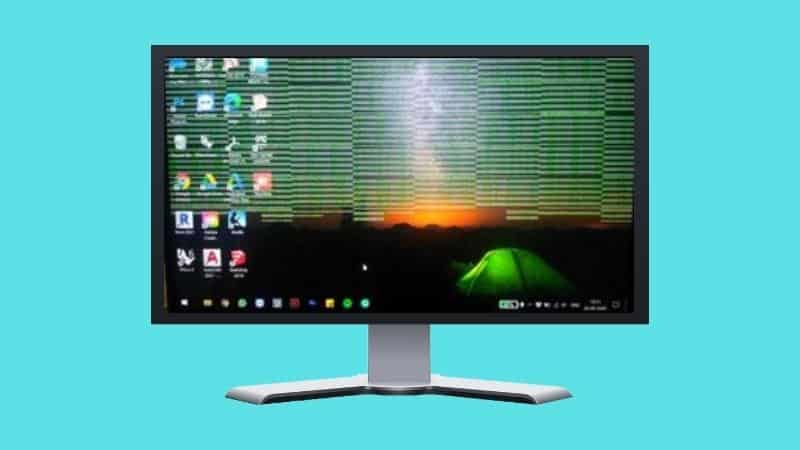
Samsung monitor flickering is usually caused by a cable, a refresh rate mismatch or a feature like Eco Saving, not a failing panel. This guide covers the fixes in order, …
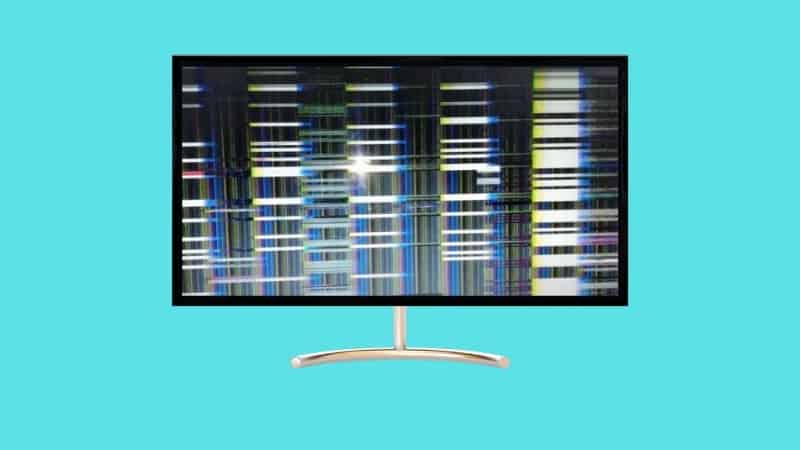
Flickering lines on a monitor can be caused by a loose cable, a graphics driver problem or a failing panel. The pattern of the lines often tells you which. Below …
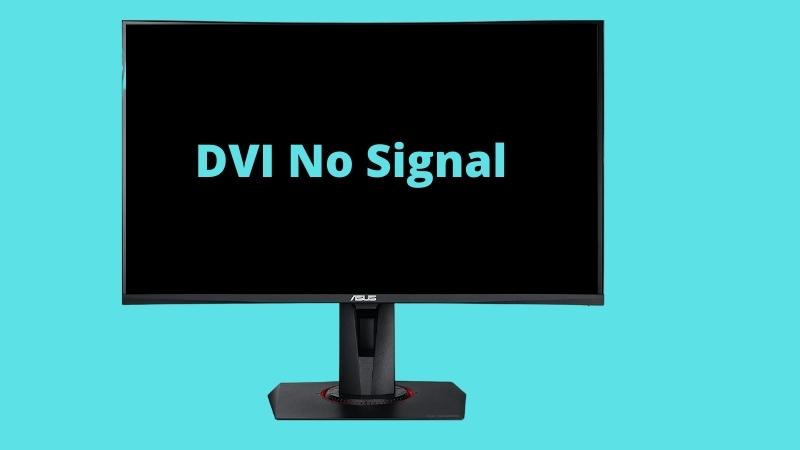
“DVI No Signal” on an Asus monitor means it’s set to the DVI input but isn’t receiving anything there. Often the monitor is just on the wrong input, or the …
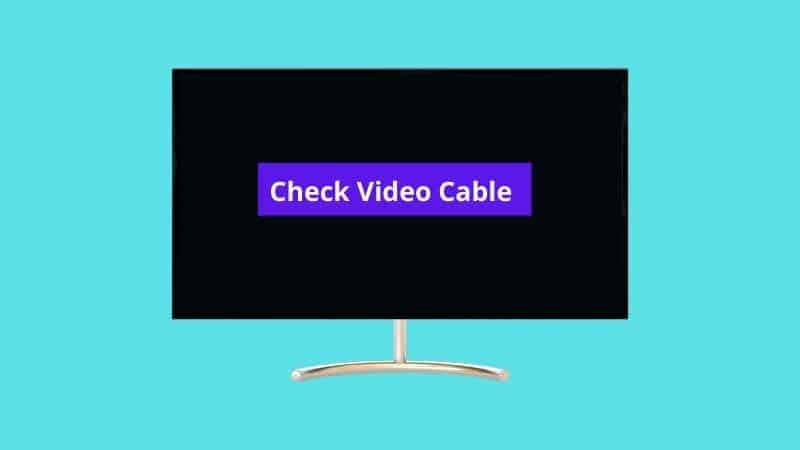
“Check video cable” means the monitor isn’t detecting a signal on the input it’s set to. The cable is the first thing to check, but it’s not the only possible …
“Input signal out of range” means the PC is sending a resolution or refresh rate the monitor can’t handle. It’s common after a driver update or when connecting an older …
When a Samsung monitor won’t detect HDMI, it’s usually set to the wrong source, the cable isn’t making good contact, or the PC isn’t sending a signal to that port. …
When a Samsung monitor has no sound, it’s usually because the PC is sending audio to a different device, the cable doesn’t carry audio, or the monitor doesn’t have speakers …
A Samsung monitor that shows a black screen and won’t even open its menu is more worrying than a simple no-signal message, but it’s often still fixable with a reset …
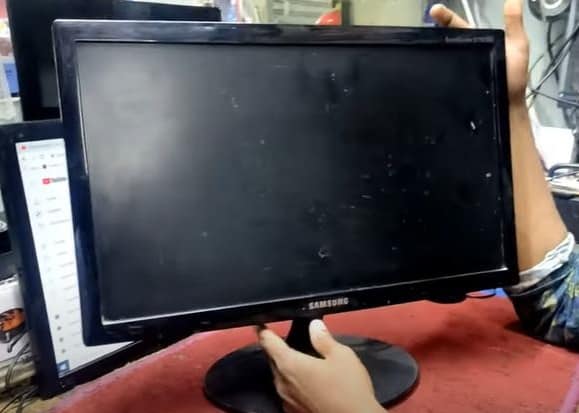
A Samsung monitor that won’t turn on usually has a power supply, cable or standby problem. The power light’s behavior is the best clue to where the fault lies. This …
A blinking blue light on a Samsung monitor usually means it’s in power-saving mode because it isn’t receiving a signal. In some cases it can point to a hardware fault. …
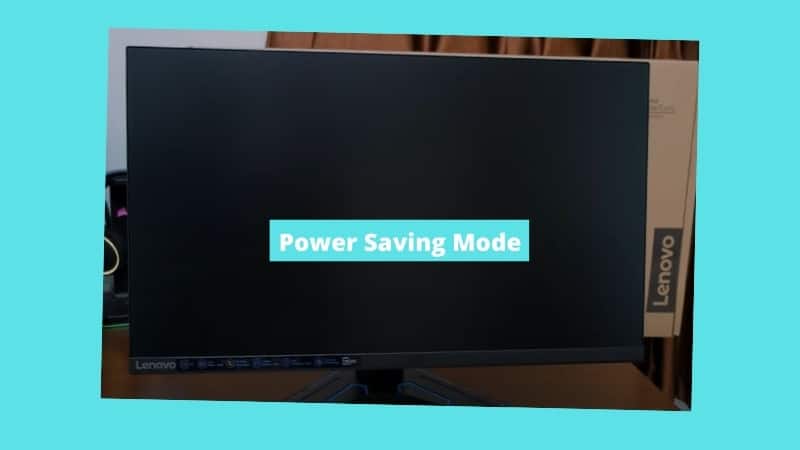
A Lenovo monitor stuck in power saving mode is usually waiting for a signal it isn’t getting, so the fix is on the signal side: the input, the cable or …
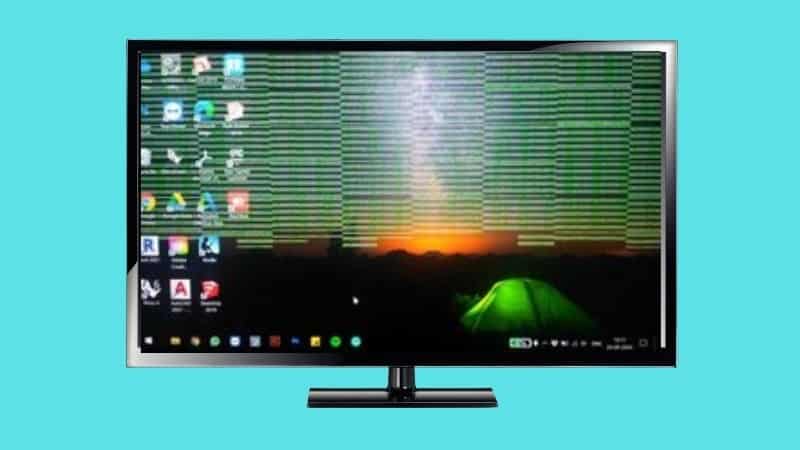
Green lines on a monitor can come from a cable problem, a graphics driver issue or a failing panel. The pattern and when they appear help you narrow it down. …