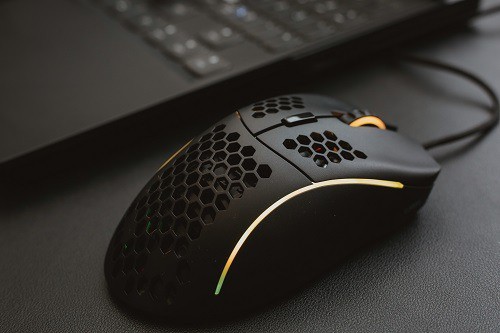
Best Mouse for Butterfly Clicking: Top 7 Reviewed in 2026
Butterfly clicking means alternating two fingers on one mouse button to push your clicks per second up. It only works well if the mouse registers fast double inputs and the …
Gaming mouse guides: DPI, sensors, polling rate, grips, mouse pads and fixes, so you can pick the right mouse and aim better.
Butterfly clicking means alternating two fingers on one mouse button to push your clicks per second up. It only works well if the mouse registers fast double inputs and the …
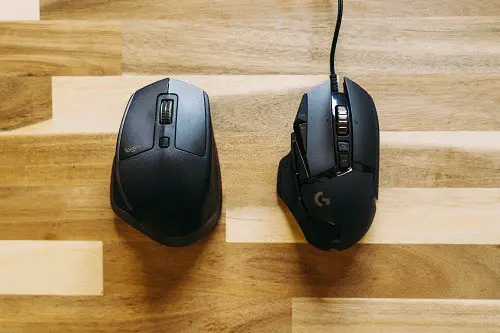
Drag clicking means dragging your finger across the mouse button so friction creates a burst of clicks. It depends heavily on the button’s surface and the switch underneath. The picks …

Jitter clicking means tensing your arm to vibrate your finger on the mouse button, and it’s hard on both you and the mouse. The right mouse is light, with a …
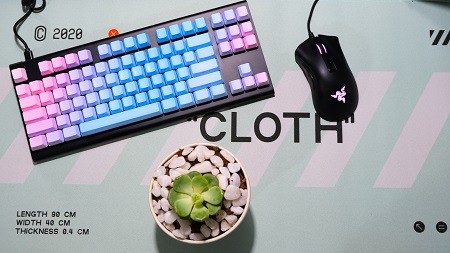
Most gaming mouse lights can be turned off through the manufacturer’s software, but some mice let you do it with a button or keyboard shortcut. A few keep the light …
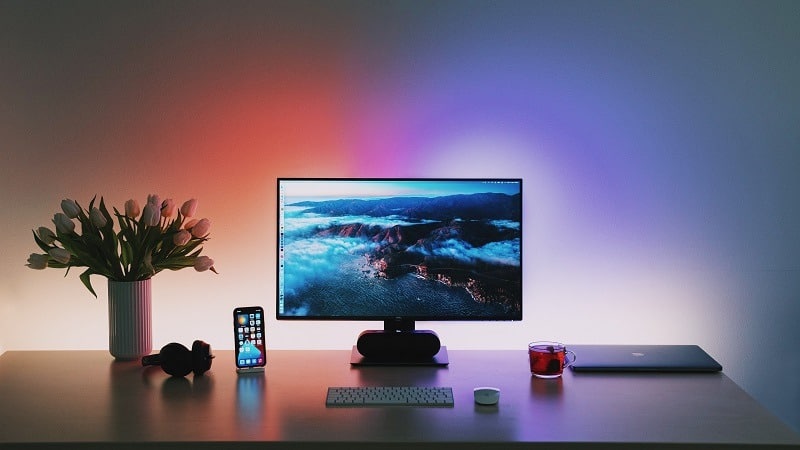
How you position your keyboard, mouse and monitor affects comfort, posture and even aim. Small changes make a big difference over long sessions. This guide explains the ideal positions and …
Extra buttons on a gaming mouse can make games easier and everyday tasks faster, but only if you set them up. By default many just act as back and forward. …
Gaming mouse pads are big because many players use low sensitivity, which means large arm movements. A big pad gives the mouse room and keeps your keyboard on the same …
Cleaning a gaming mouse keeps it hygienic and helps the sensor and buttons work properly. Grime builds up faster than most people think. Below are the safe steps to clean …
Gaming mice work on Mac as standard mice right away. Extra buttons, DPI settings and lighting depend on whether the brand’s software supports macOS. Below I explain what works out …
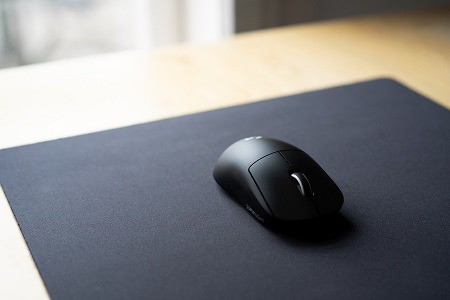
Gaming mouse pads do make a difference. They give your sensor a consistent surface and change how fast or controlled your mouse feels. Below I explain how pad surface, size …
Gaming mice advertise high DPI numbers because it sounds impressive, but most players use far lower settings. Very high DPI is mainly useful on high-resolution screens or for specific playstyles. …
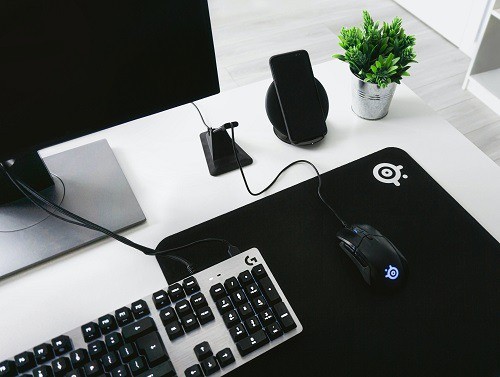
A gaming mouse doesn’t need USB 3.0. Mice send very little data, and USB 2.0 is more than fast enough, even at high polling rates. Below I explain why, and …
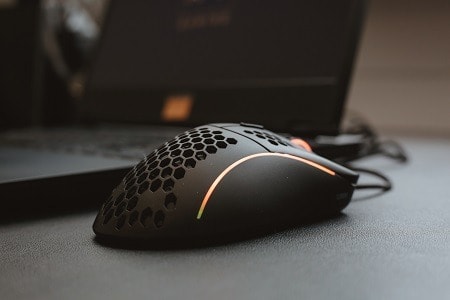
Gaming mice are worth it for most players because of their better sensors, lighter weight, comfortable shapes and extra buttons. You don’t need to spend a lot to feel the …
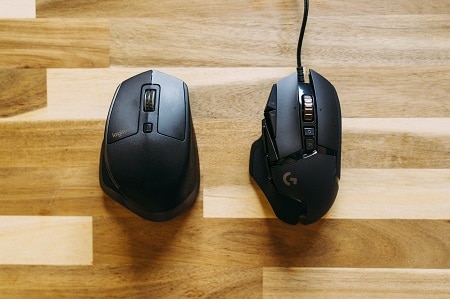
A gaming mouse can improve your aim, mainly through a more accurate sensor, a lighter build and a shape that fits your hand. Practice still matters most. Below I explain …
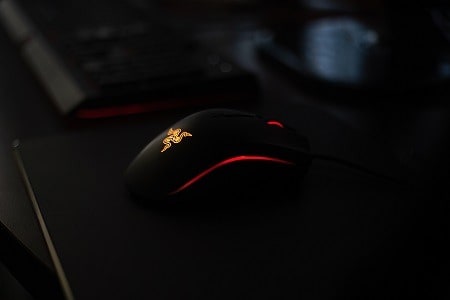
Mouse lasers are very low power and classed as safe for normal use, though you shouldn’t stare directly into the sensor at close range. Below I explain the difference between …
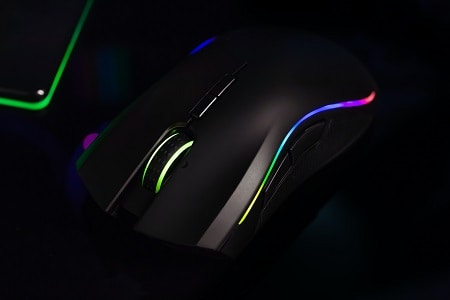
Mouse acceleration changes how far your cursor moves based on how fast you move the mouse. Most competitive gamers turn it off for consistent aim. Below I explain how acceleration …