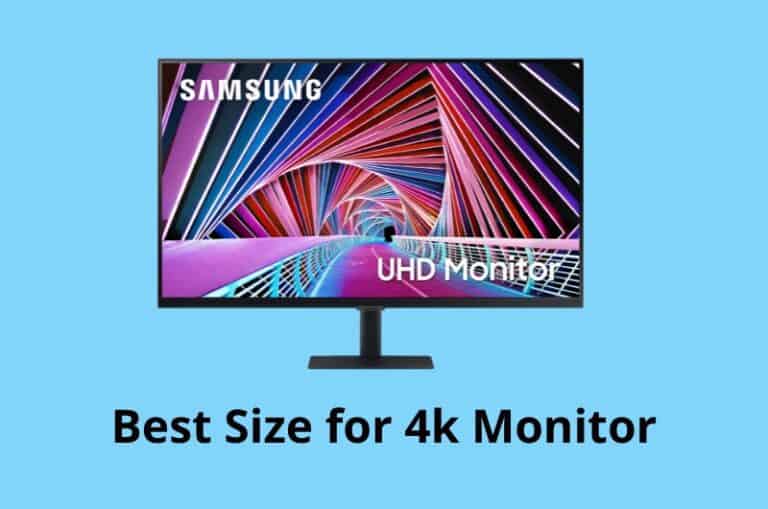
Best Size for 4k Monitor I Recommend for Different Activities
The right size for a 4K monitor depends on what you use it for and how far away you sit. At small sizes you can’t see the extra detail, and …
The right size for a 4K monitor depends on what you use it for and how far away you sit. At small sizes you can’t see the extra detail, and …

Using an iPad as a monitor is handy for a second screen on the go, but an iPad doesn’t accept HDMI input. You need software or Apple’s Sidecar to make …

The best resolution for a 27-inch monitor depends on what you do. 1080p looks soft at this size, 1440p is a great all-rounder, and 4K is sharp but asks more …
When my LG monitor showed “No Signal”, I assumed the worst, but it turned out to be a simple fix. That’s the case for most LG no-signal messages: the monitor …
LG monitors with speakers can go quiet for several reasons: the wrong audio output selected on the PC, a cable that doesn’t carry audio, or volume settings on the monitor …
Flickering on an LG monitor is usually caused by a loose cable, a refresh rate mismatch or a power-saving feature, not a failing screen. It’s worth checking the easy causes …
An LG monitor that won’t turn on usually has a power problem, a standby issue or a faulty adapter. The good news is that most of these can be fixed …
Acer monitors show “No Signal” when they’re powered on but not receiving a picture. The cause is usually the input setting, the cable or the computer, not the monitor. This …

A new PC build that powers on but shows nothing on screen is very common, and it’s usually something small: a RAM stick not fully seated, a missing power cable …
A PC stuck in a boot loop with no display often has a hardware or BIOS problem rather than a monitor fault. RAM, the graphics card and BIOS settings are …
“Cable not connected” on an Acer monitor means it isn’t detecting any signal on the selected input. That could be the cable, the port, the input setting or the computer …
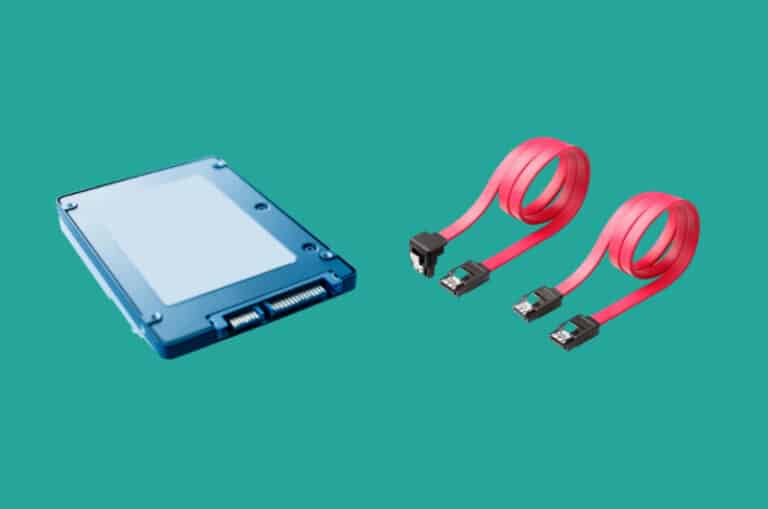
Whether an SSD comes with a SATA cable depends on the type of drive and where you buy it. Most retail 2.5-inch SATA SSDs don’t include one, and M.2 drives …
A monitor that flickers on and off is usually losing its signal briefly, often because of a loose cable, a refresh rate problem or a power issue. This guide walks …
An “Out of Range” error means your PC is sending a resolution or refresh rate the monitor can’t display. Nothing is broken. The PC just needs to send something the …
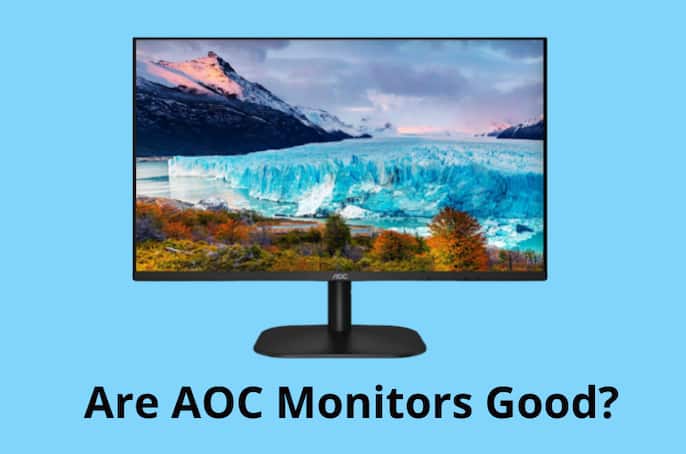
AOC monitors are a popular budget choice, so it’s fair to ask whether they’re actually good or just cheap. The answer depends on which model you look at and what …
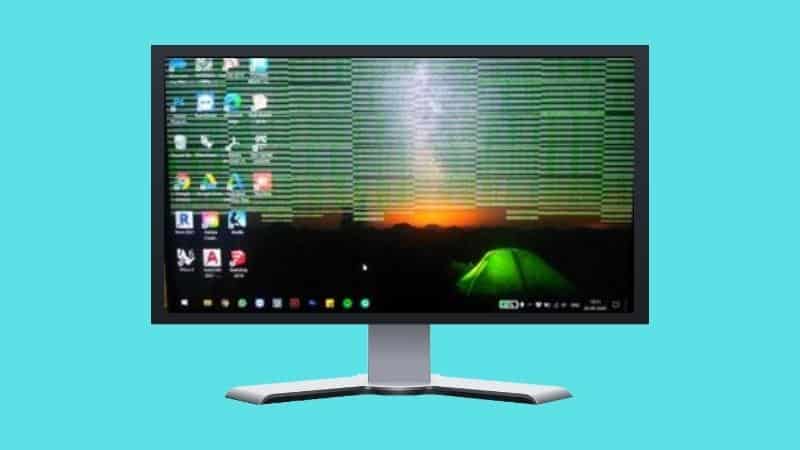
Samsung monitor flickering is usually caused by a cable, a refresh rate mismatch or a feature like Eco Saving, not a failing panel. This guide covers the fixes in order, …
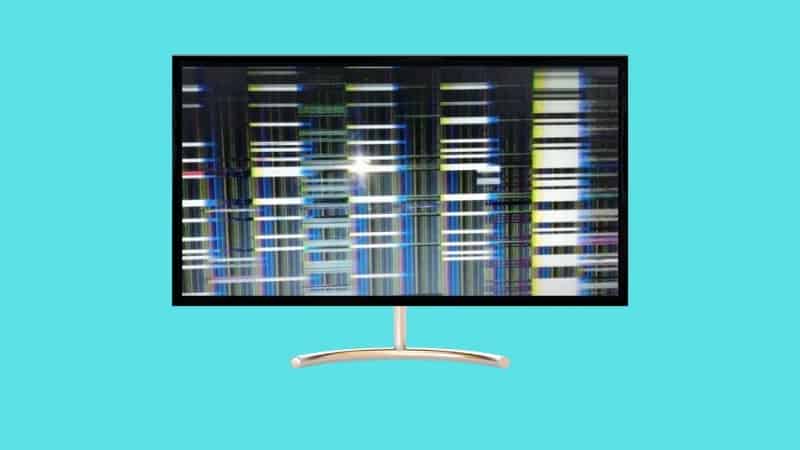
Flickering lines on a monitor can be caused by a loose cable, a graphics driver problem or a failing panel. The pattern of the lines often tells you which. Below …
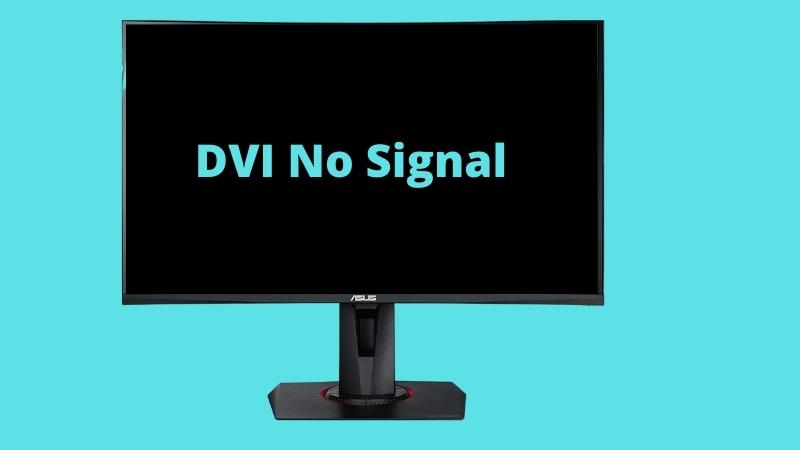
“DVI No Signal” on an Asus monitor means it’s set to the DVI input but isn’t receiving anything there. Often the monitor is just on the wrong input, or the …
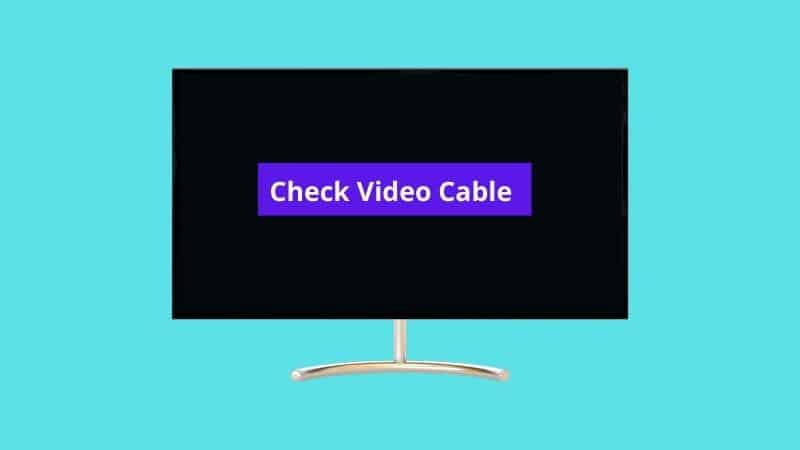
“Check video cable” means the monitor isn’t detecting a signal on the input it’s set to. The cable is the first thing to check, but it’s not the only possible …
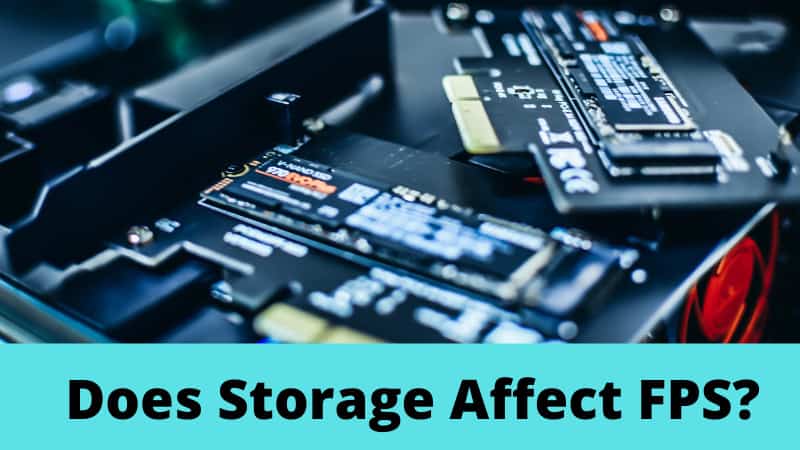
Storage doesn’t directly change your FPS in most games, but it does affect load times, texture streaming and stuttering in open-world titles. That’s why SSD vs HDD still matters for …
FPS Mode on a monitor is a picture preset that tweaks contrast, brightness and sharpness to make enemies easier to spot in shooters. It doesn’t change your frame rate. Below …
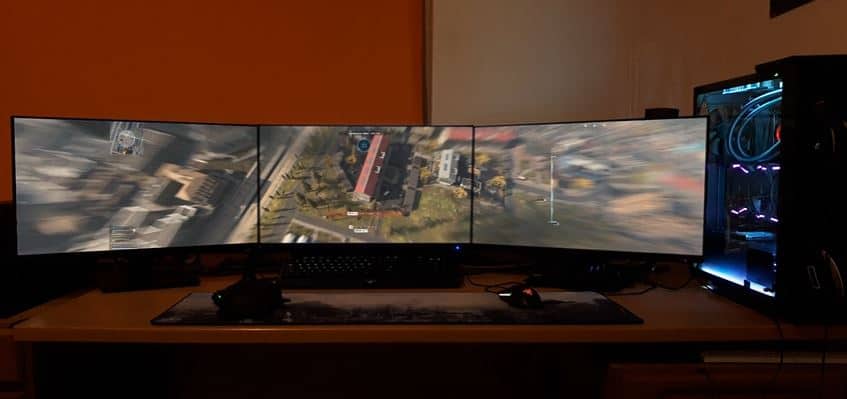
Your monitor doesn’t change how many frames your PC renders, but it does decide how many you actually see. A 60Hz monitor can only show 60 frames per second, no …
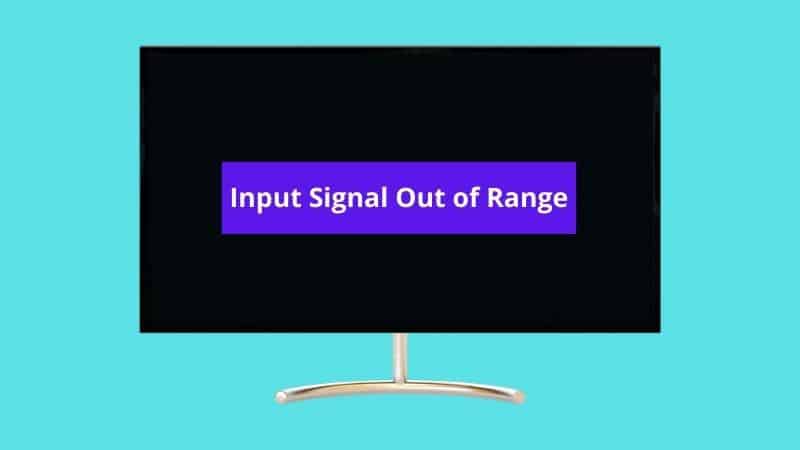
“Input signal out of range” means the PC is sending a resolution or refresh rate the monitor can’t handle. It’s common after a driver update or when connecting an older …
When a Samsung monitor won’t detect HDMI, it’s usually set to the wrong source, the cable isn’t making good contact, or the PC isn’t sending a signal to that port. …