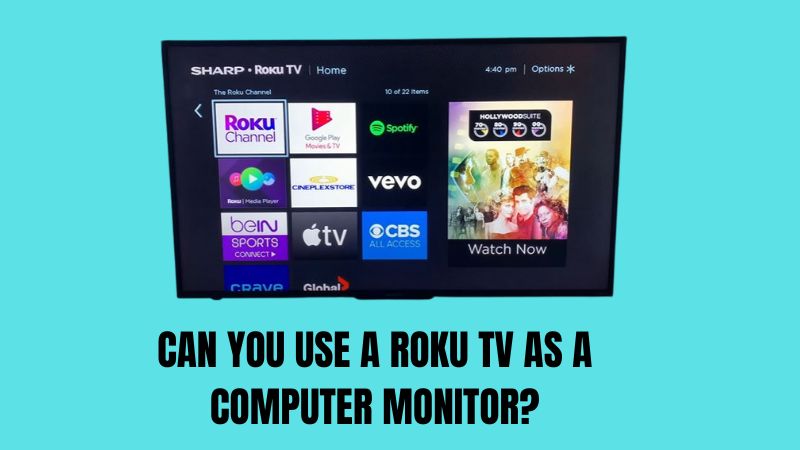
Can You Use A Roku TV As A Computer Monitor?
You can use a Roku TV as a computer monitor through its HDMI input. It works well for media and casual use, but text clarity and input lag aren’t as …
You can use a Roku TV as a computer monitor through its HDMI input. It works well for media and casual use, but text clarity and input lag aren’t as …
A monitor needs a video source to show anything, but that source doesn’t have to be a PC. Game consoles, streaming sticks, laptops and some phones can all drive a …
How you connect speakers to a computer monitor depends on whether the monitor has an audio-out jack. Many do, but plenty don’t. Below I explain the options for each case …
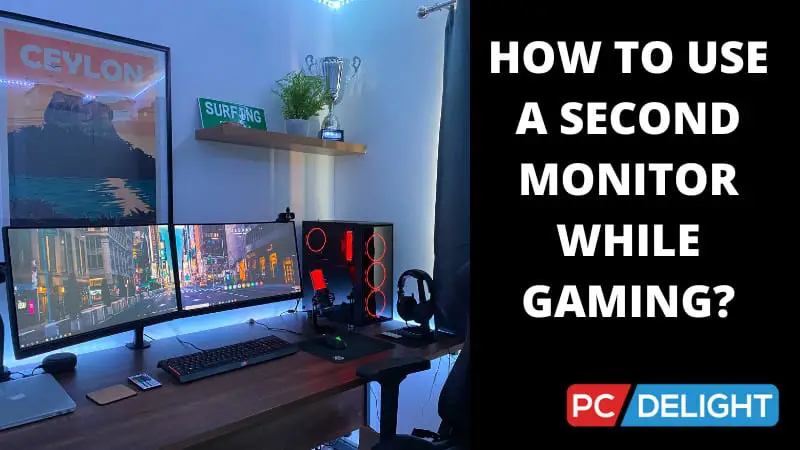
A second monitor while gaming is great for chat, guides, music or streaming tools, but it can affect performance and cause the mouse to slip off-screen. Below I cover how …
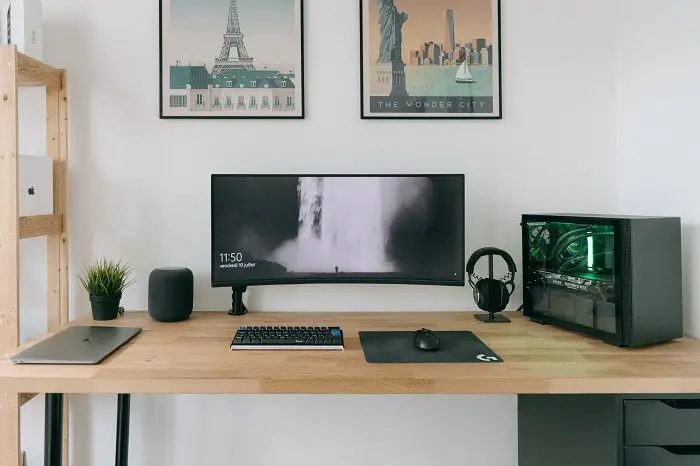
Most computer monitors can be mounted on a wall, as long as they have VESA mounting holes on the back. That’s the key thing to check before buying a mount. …
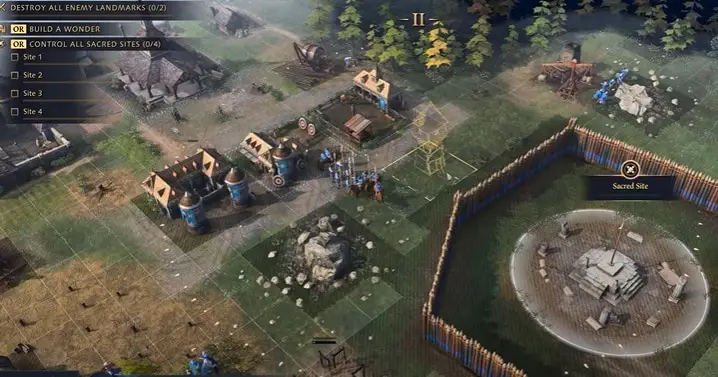
RTS mode is a picture preset on many gaming monitors that adjusts brightness, contrast and color for strategy games. It doesn’t change performance, only how the image looks. Below I …
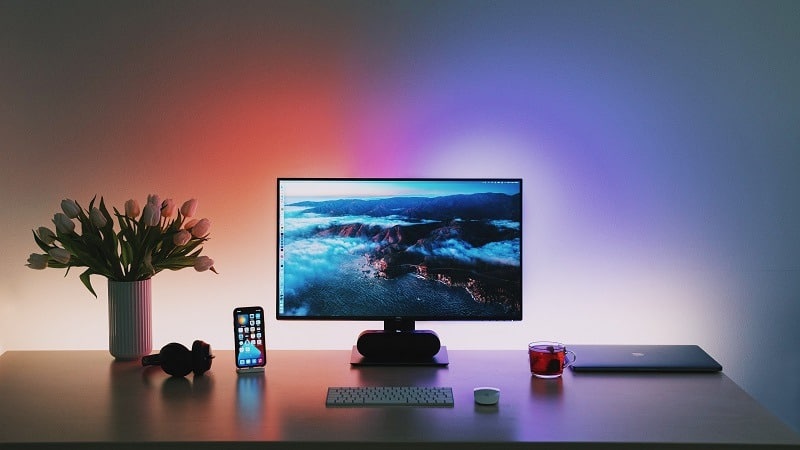
The cost to ship a computer monitor depends on its size, weight, distance and how well it’s packed. A 24-inch monitor costs far less to ship than a large curved …

You can take a gaming monitor on a plane, but whether it goes in the cabin or the hold depends on its size and the airline’s rules. Below I explain …
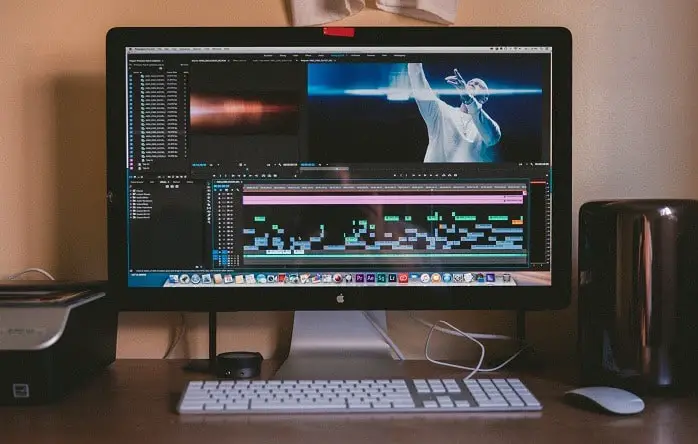
A gaming monitor can work for photo editing, but most are tuned for speed rather than color accuracy. Panel type, color gamut and calibration make the difference. This guide explains …
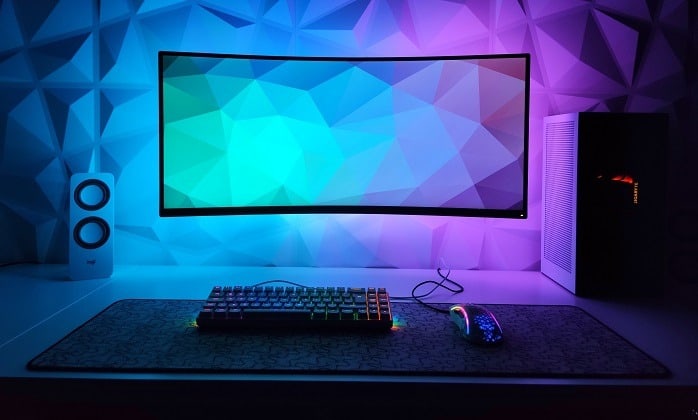
A 32-inch monitor isn’t too big for gaming if you have the desk depth to sit far enough back. Up close, you may need to move your head to see …
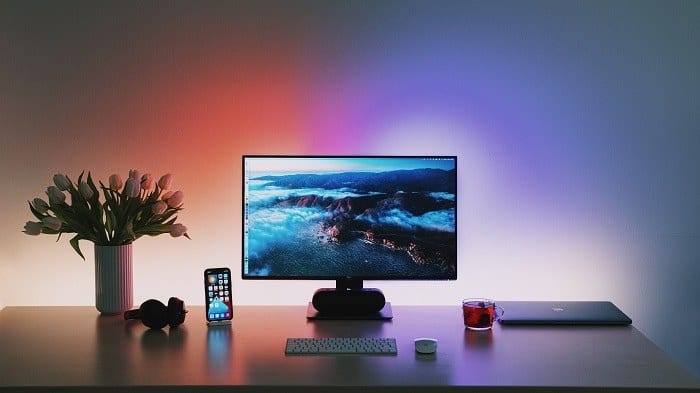
Connecting a VGA monitor to an HDMI computer needs an active converter, not just a cable. HDMI is digital and VGA is analog, so the signal has to be converted. …
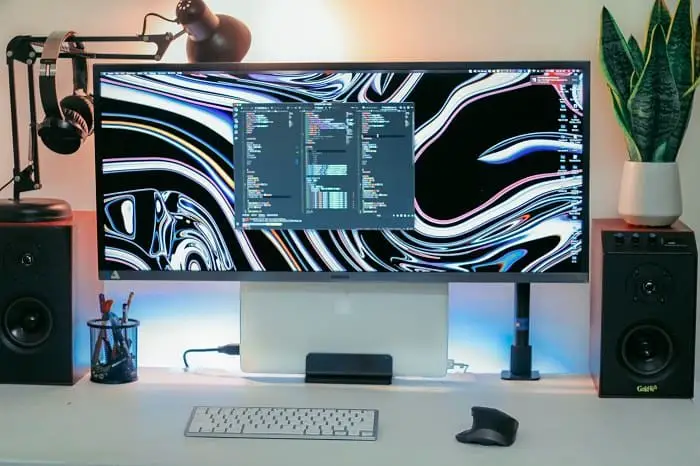
Adjusting the brightness on a Samsung monitor is usually done through the joystick or buttons on the monitor, not through Windows. That confuses a lot of people. Below I show …
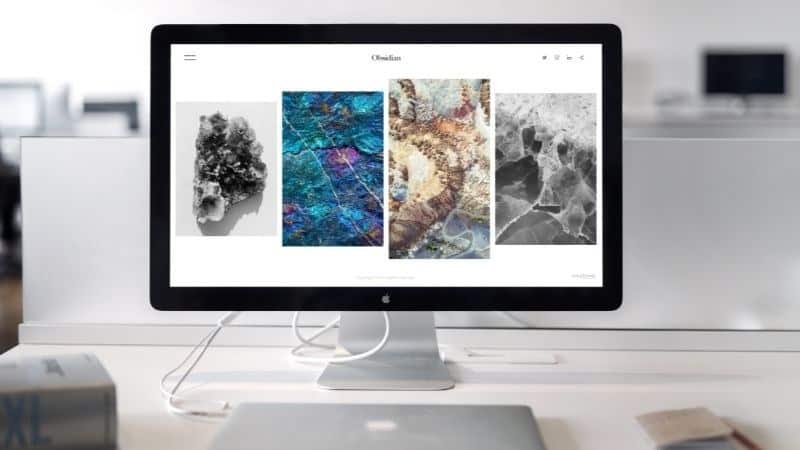
A blurry computer screen is usually caused by the wrong resolution, scaling or a cable issue, not a failing monitor. Below I go through the fixes in order, starting with …
Most computer monitors last around 30,000 to 60,000 hours of use, which works out to many years for typical users. Panel type, usage and heat all affect how long one …
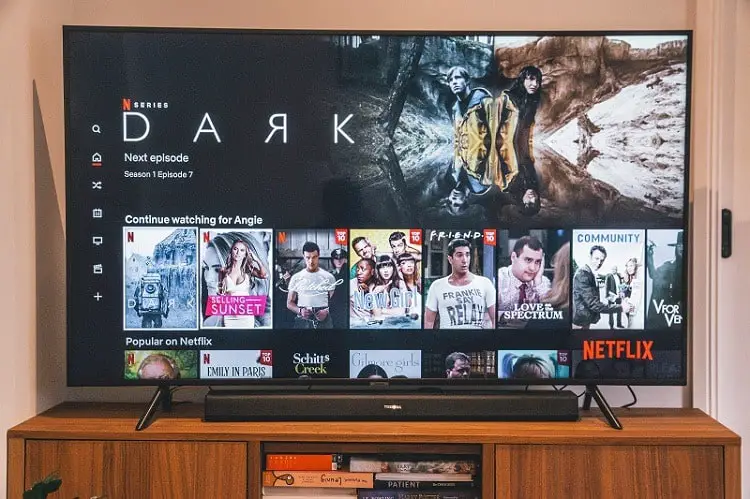
You can use a Samsung TV as a computer monitor through HDMI, and it works well for media and gaming. For desk work, text clarity and input lag need a …
Repairing a computer monitor can cost anything from a cheap power adapter swap to nearly the price of a new monitor for panel replacement. The fault decides the cost. Below …
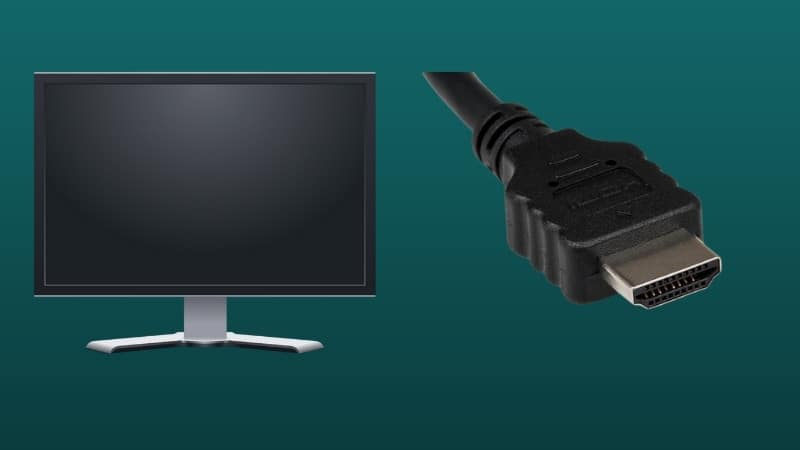
Most gaming monitors come with a cable in the box, but which one varies: often DisplayPort, sometimes HDMI, occasionally both. It depends on the brand and model. Below I explain …
A 60Hz monitor is good enough for casual gaming, but you’ll notice the difference with a higher refresh rate in fast-paced games. This guide explains who’s fine with 60Hz and …
75Hz is a small but real step up from 60Hz for gaming. It feels a little smoother, but it’s nowhere near the jump you get with 144Hz. Below I explain …
Refresh rate vs resolution is one of the biggest choices when buying a gaming monitor. Do you want a sharper image or smoother motion? The right answer depends on what …
A 5ms response time is fine for casual gaming, but fast-paced competitive players may notice some motion blur compared to faster panels. This guide explains what response time actually means, …
A 1ms response time is excellent for gaming and helps keep fast motion sharp. Still, manufacturers measure it differently, so the number on the box doesn’t tell the whole story. …
A good response time for a gaming monitor is generally 5ms or lower, and 1 to 2ms is ideal for fast competitive games. Lower means less motion blur and ghosting. …
A 4K monitor can run 1440p, but the image won’t be as sharp as on a native 1440p screen because it has to be scaled. Whether that matters depends on …