Sceptre Monitor Not Turning On: Quick Fixes and Troubleshooting Tips
Sceptre monitors are popular budget picks, and when one won’t turn on, the fix is usually simple: a loose power adapter, the wrong input source or a monitor stuck in …
Sceptre monitors are popular budget picks, and when one won’t turn on, the fix is usually simple: a loose power adapter, the wrong input source or a monitor stuck in …
A Dell monitor that won’t turn on can be anything from a loose power cable to a failed power board. Dell monitors have a built-in self-test that helps narrow it …
Lenovo ThinkVision monitors are used a lot in office setups with docks and laptops, and that’s often where detection problems start. The chain of dock, cable and laptop gives several …
“Input not supported” means the monitor is receiving a signal but can’t display it, usually because the resolution or refresh rate is higher than it can handle. It’s common after …
An HP monitor that won’t turn on usually has a power or standby issue rather than a dead panel. The power light, and whether it’s off, white or amber, tells …
A monitor that won’t go to sleep is almost always being kept awake by something: a mouse that registers tiny movements, a background app, or power settings that never tell …
When an HP monitor won’t connect to your laptop, the problem usually lies in the connection between them: the port, the cable or an adapter. It can also be a …
Alienware monitors have more going on than most: high refresh rates, G-Sync, and sometimes a firmware quirk or two. When one won’t turn on, it helps to separate power problems …
A computer monitor that suddenly stops working is frustrating, but there’s usually a logical cause. In most cases it’s power, a cable, the input setting or the graphics driver, in …
An HP laptop screen that stays black when you turn it on doesn’t always mean the screen has failed. A hard reset, a bad driver or a brightness setting can …
When a touch screen monitor stops responding to touch but the picture still works, the problem is usually the touch connection. Most touch monitors need a separate USB cable for …
Apple displays like the Studio Display and Pro Display XDR rarely fail outright. When one won’t turn on, the cause is usually the cable, the Mac’s port or a software …
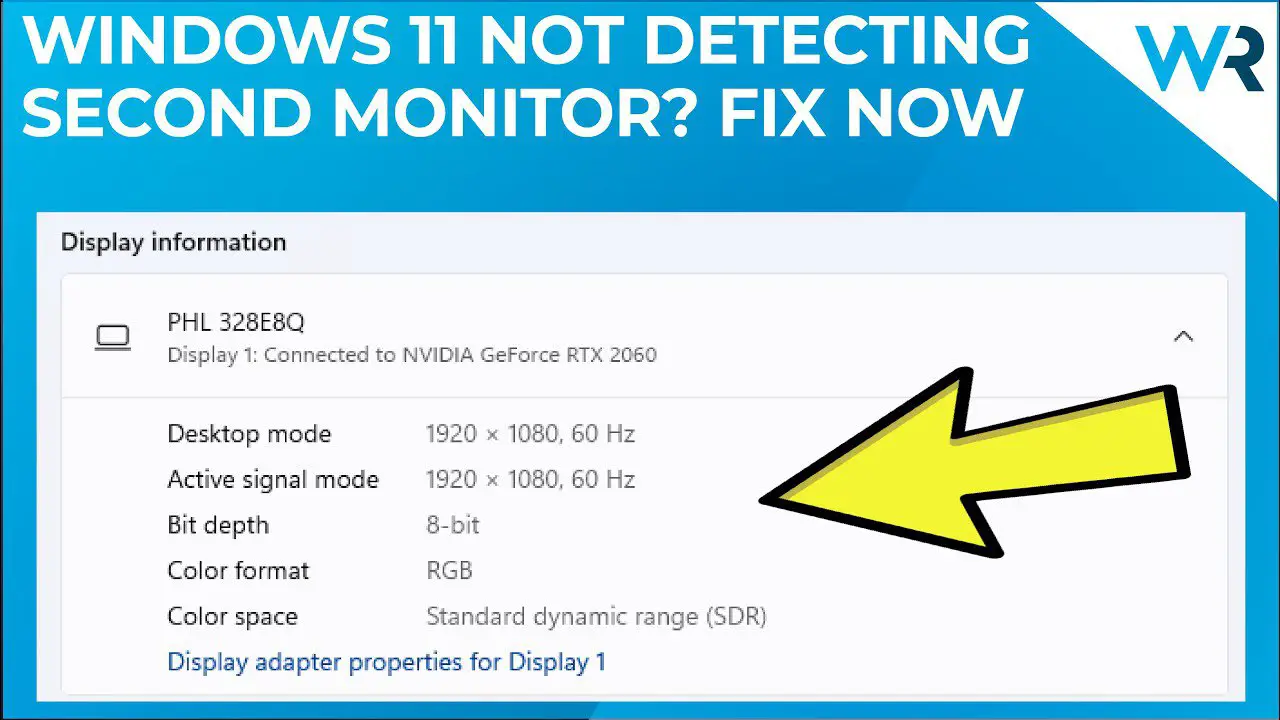
Windows 11 is usually good at finding a second monitor automatically, so when it doesn’t, something specific is in the way: a cable, the graphics driver, or a display setting …
An HP monitor that won’t detect HDMI is usually set to the wrong input, connected with a bad cable, or not getting a signal from the PC. All three are …
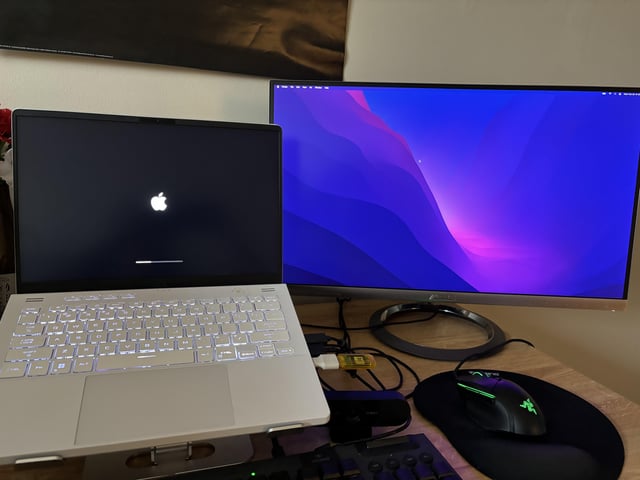
When Windows won’t detect your main monitor, you lose your main view of the PC, so fixing it fast matters. The cause is usually a cable, the port you’re using, …
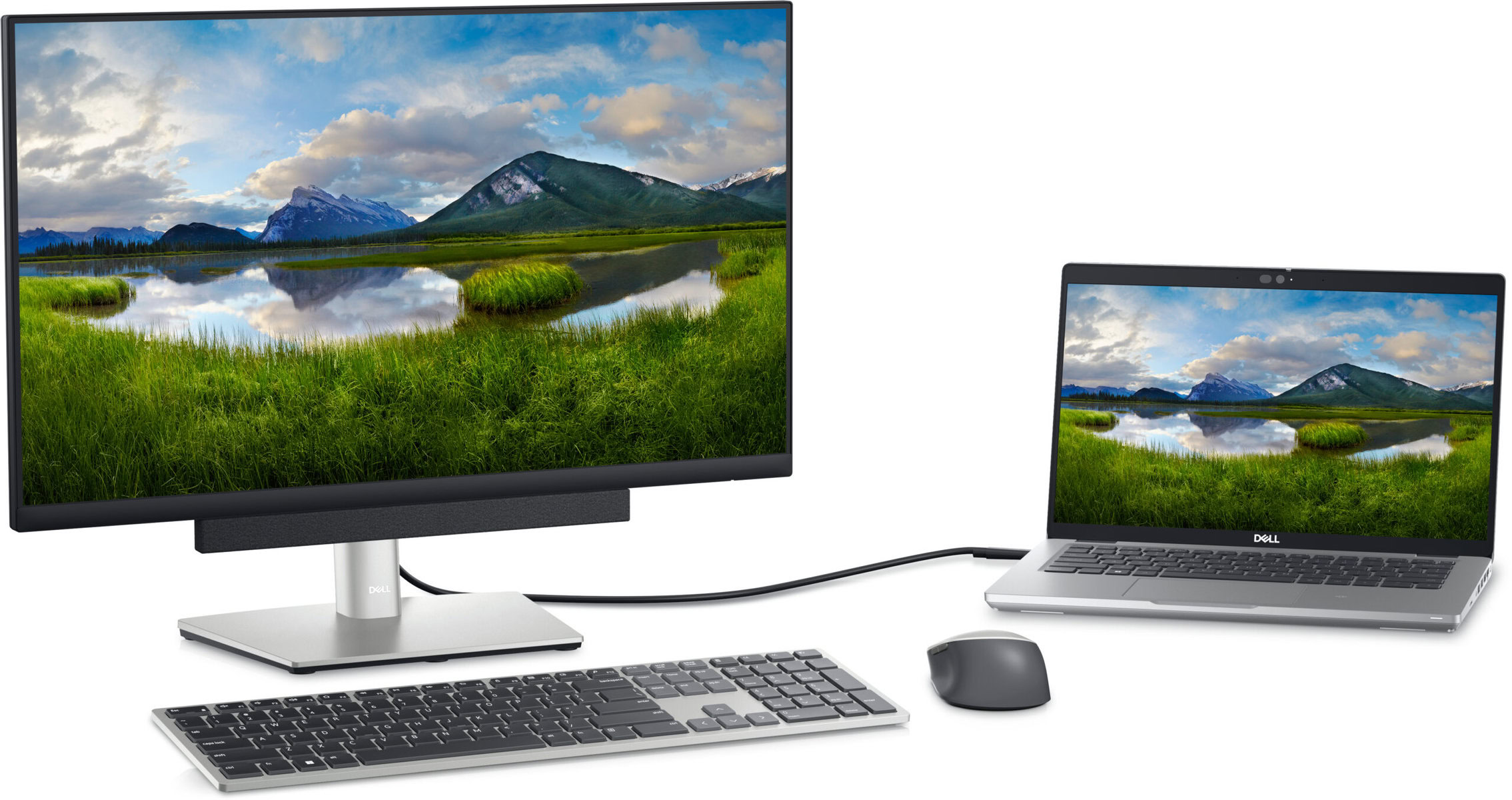
When a Dell monitor won’t connect to your laptop, the cause is usually the port, cable or adapter between them, or a Windows setting that isn’t outputting to an external …
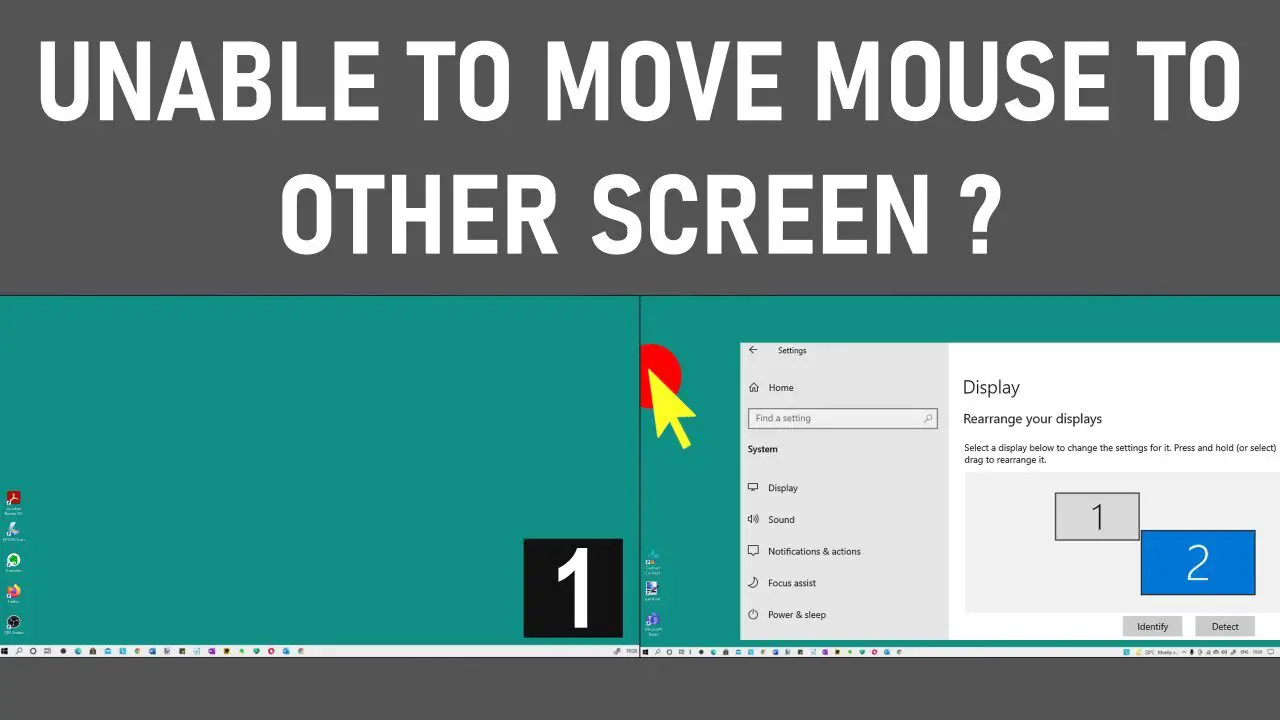
If your mouse won’t move onto your second monitor, the monitors are usually arranged differently in Windows than they are on your desk, or a display is set to duplicate …
A monitor that says it isn’t getting a signal is powered on, but nothing is arriving from the computer. Either the PC isn’t sending a picture, or the cable or …
When an AOC monitor won’t turn on, the power light is your first clue. No light means a power problem. A light with a black screen means the monitor is …
The USB ports on a monitor only work when the monitor is connected to the PC with an upstream USB cable. That’s the step people miss most often, because the …
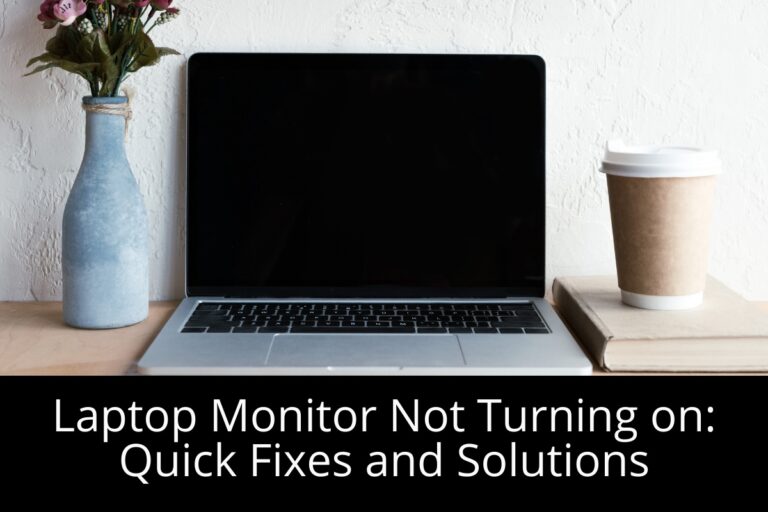
A laptop screen that won’t come on is alarming, but the laptop itself is often fine. Sleep problems, brightness settings and graphics drivers can all leave you looking at a …

A blue gaming chair is a style choice, but it still has to be comfortable for long sessions. Plenty of good-looking chairs skimp on padding, adjustability or build quality. I’ve …
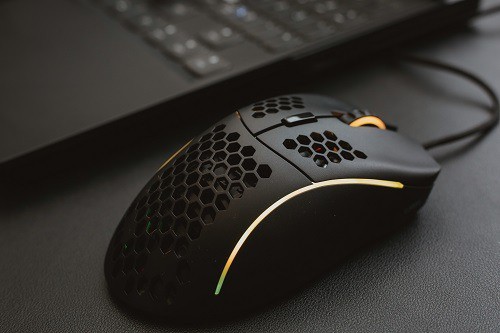
Butterfly clicking means alternating two fingers on one mouse button to push your clicks per second up. It only works well if the mouse registers fast double inputs and the …
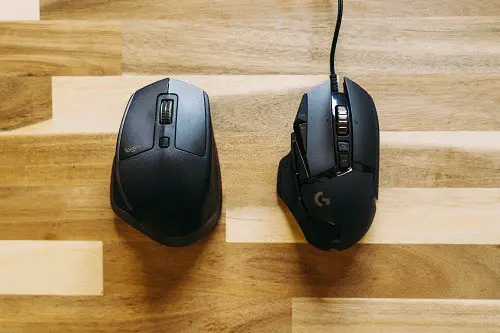
Drag clicking means dragging your finger across the mouse button so friction creates a burst of clicks. It depends heavily on the button’s surface and the switch underneath. The picks …